
Tutorials

Learn how to do your job better

How to Boost Computer Security Like a Pro

It’s likely that your home computer stores a lot of very important information, which is why you should try to keep it as secure as possible. Weak computer security is more susceptible to hackers and malware, and there are many free or inexpensive ways to improve your security and keep your information safe. So today,

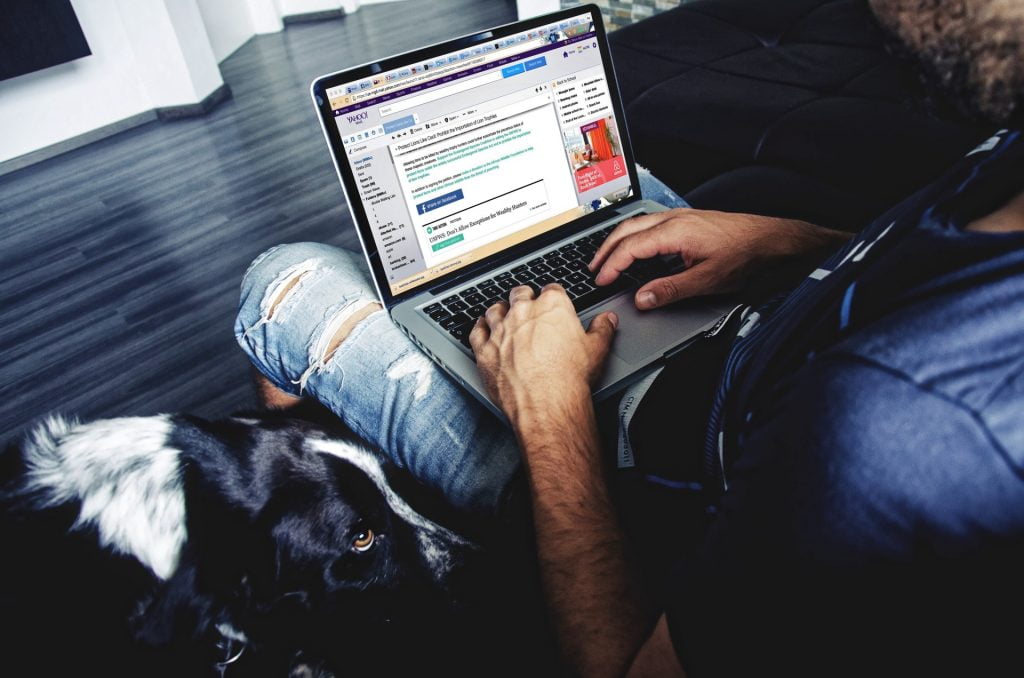
How to Boost Computer Security Like a Pro Read More »

How to stay safe on public WiFi: Public WiFi Security

Public WiFi Security: How to Stay Safe on a Public Hotspot

You’re shopping for your next computer, and the options are endless! Do you go for a desktop? A laptop? A tablet? What about one of the newest, most exciting opportunities on the technology market: a 2-in-1 laptop? Designed to offer the convenience of a laptop and the mobility of a tablet, 2-in-1 laptops are ideal

Public WiFi Security: How to Stay Safe on a Public Hotspot Read More »

How to Choose a New Computer: 5 Things you NEED to Consider

Shopping for a new computer is an exciting experience! Much like shopping for a new car, though, learning how to choose a new computer requires some research and thought. Instead of just going out and picking one, you’ve got to sit down and think about what kind of technology is important to you, and which

How to Choose a New Computer: 5 Things you NEED to Consider Read More »

Stop auto-play videos

Stop Auto-Play Videos With Safari’s 11’s New Feature

Sick of auto-play videos clogging up your social feeds? If so, you’re not alone. Lots of people have wondered in recent years how to stop auto-play videos, with little success. While auto-play videos weren’t always an online problem, Facebook was one of the first platforms to introduce them, back in 2013. Initially, the idea was

Stop Auto-Play Videos With Safari’s 11’s New Feature Read More »

Scroll to Top